

Measure reaction times using clicks and keypress.
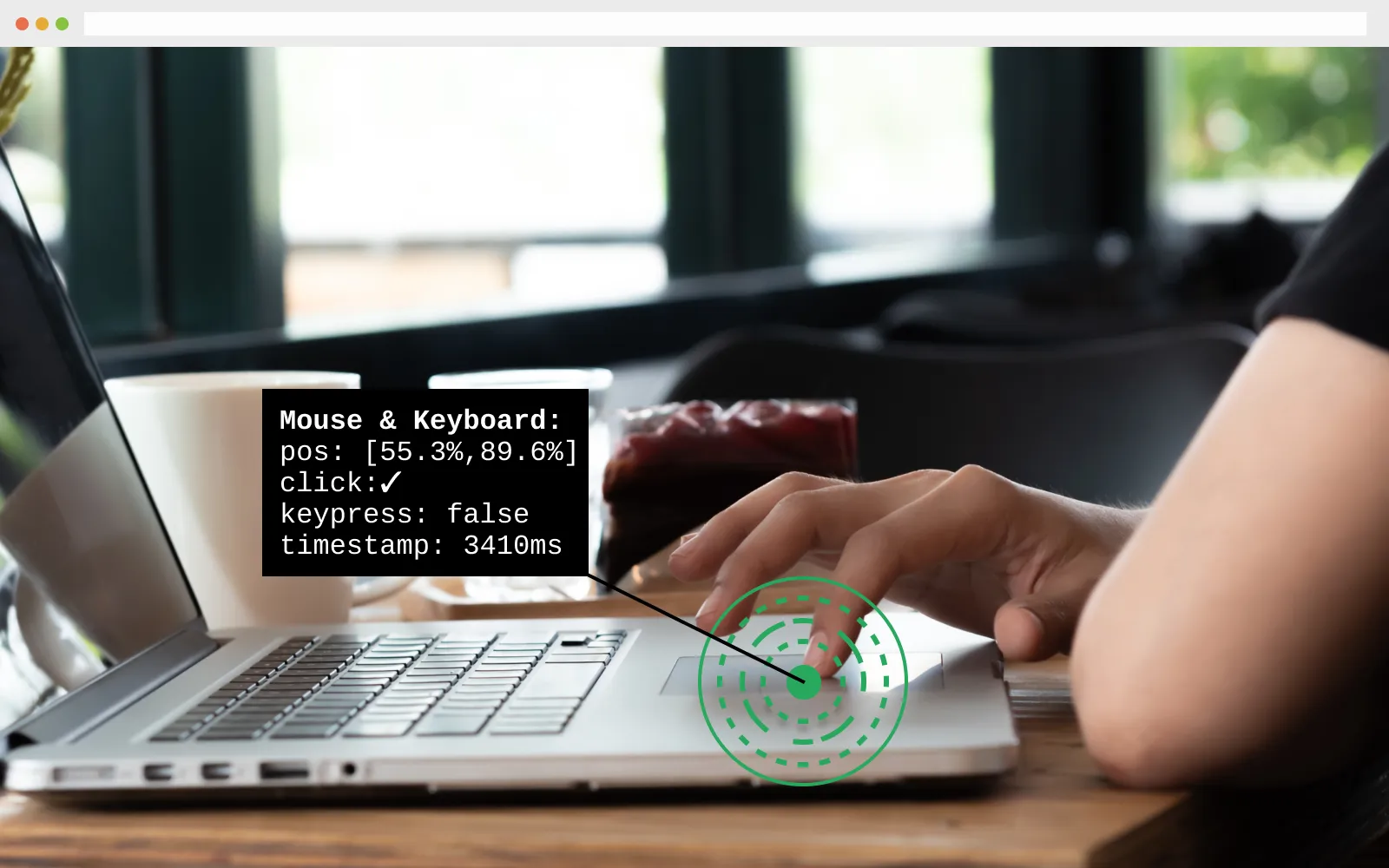
Reaction time refers to the time between when we perceive something and when we respond to it. When running neuro-research, you may want to add this layer to the other eye-tracking metrics to see respondents’ hidden preferences.
Core features
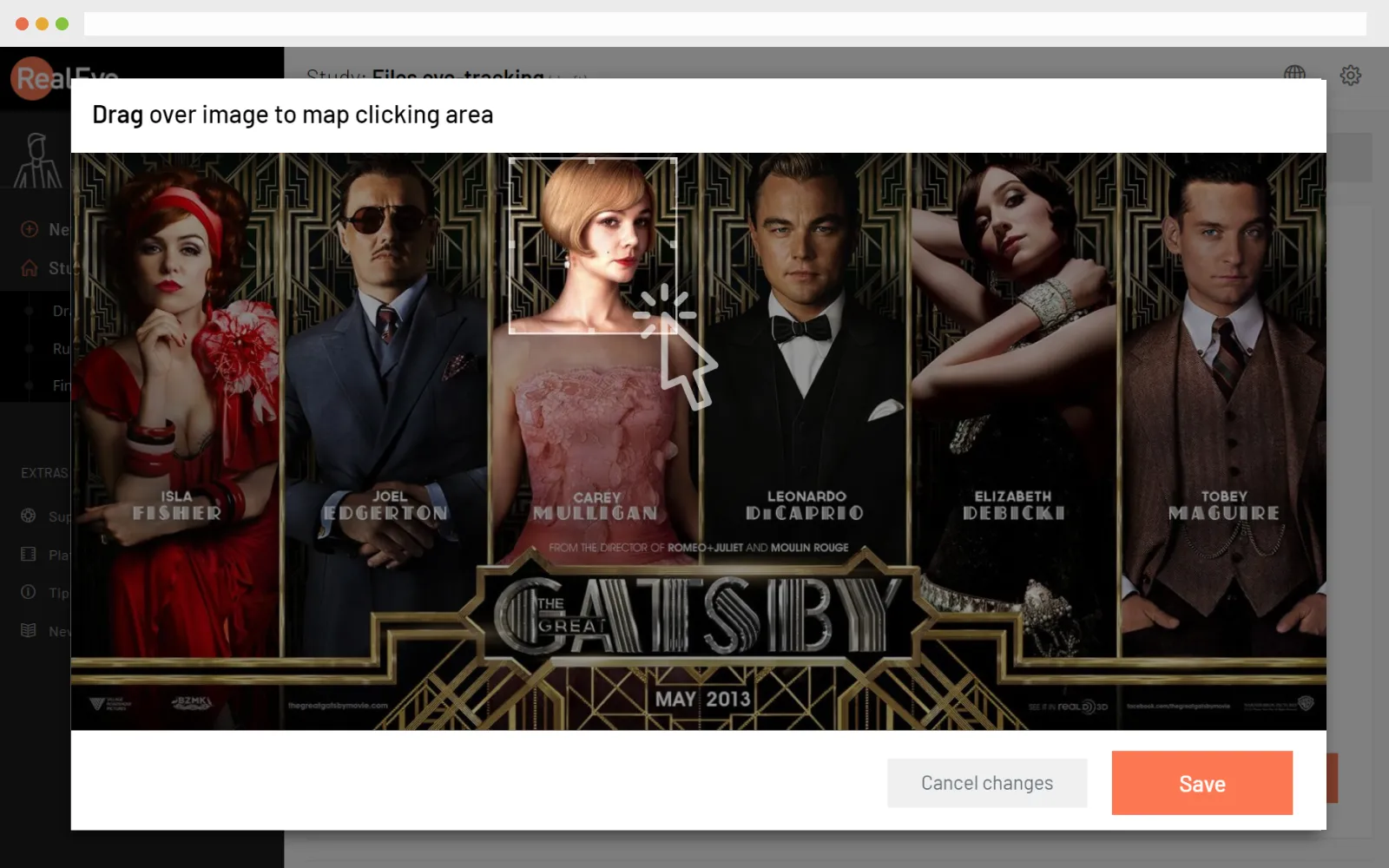
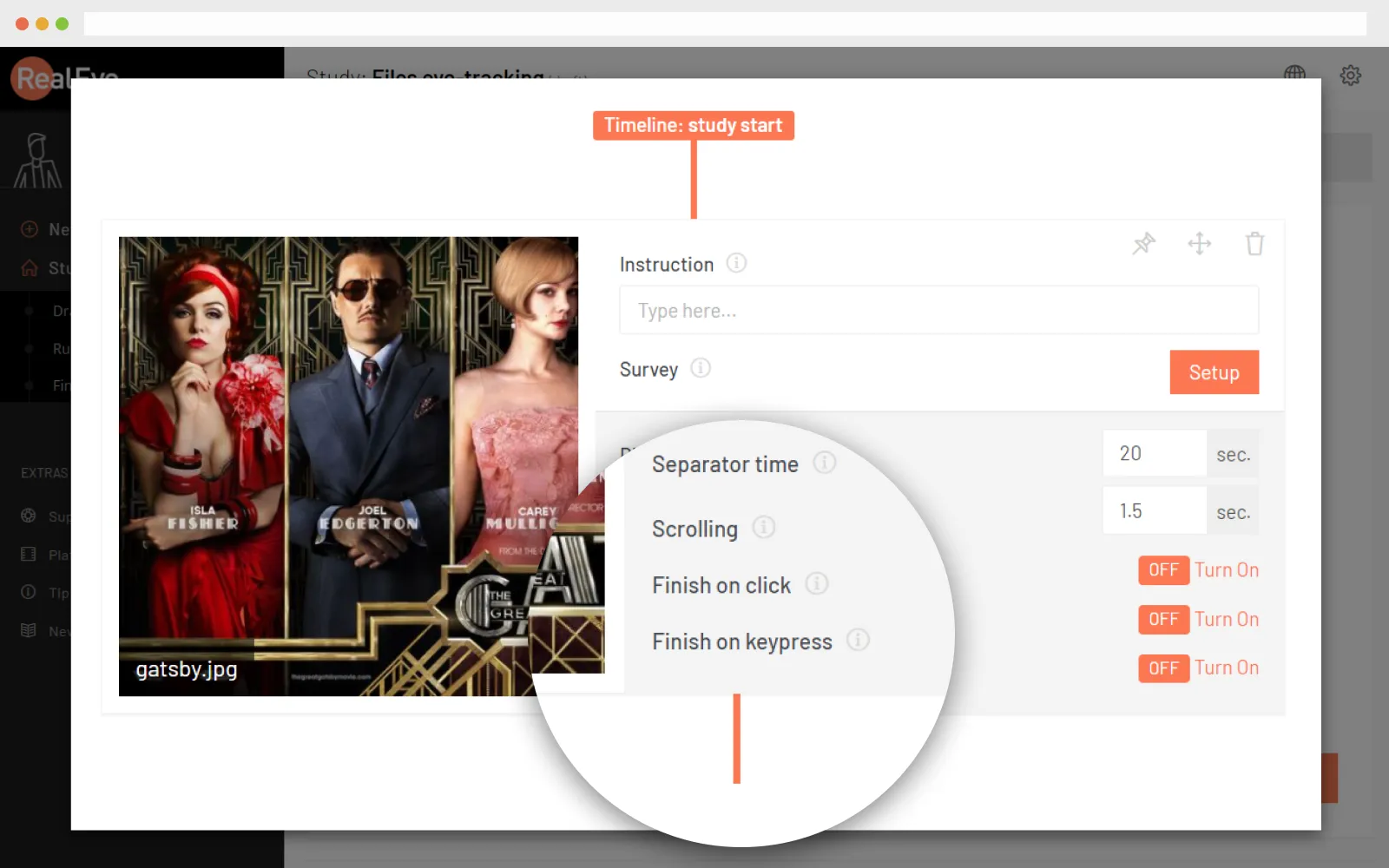
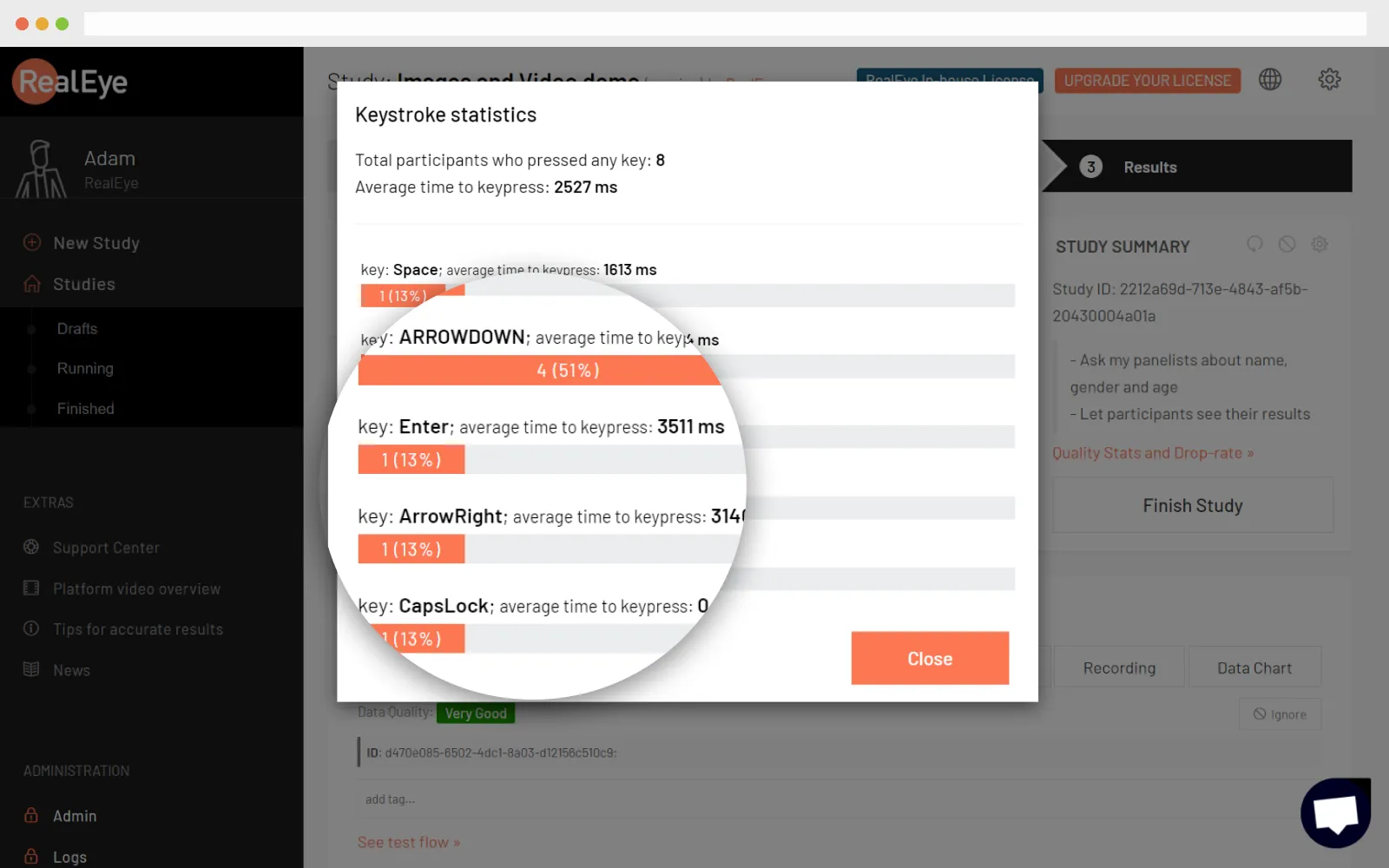
Clicks and keys, on the same timeline.

Technical requirements
What it takes.
No eye-tracking hardware, no software to install. This is all a participant needs.
Full requirements in the knowledge base- BrowserWorks with Chrome, Firefox, Edge and Safari
We recommend using Chromium-based browsers (Chrome, Edge).
- Sampling rate30 Hz sampling rate
We collect the data every 33 ms.
- Session lengthUp to 60 minute sessions
The maximum study length depends on the license.
- PrivacyGDPR compliant
Webcam images are processed in the participant’s browser and never uploaded.
What research teams say
4.9
Rated 4.9 out of 5
Google reviews
2M+participants
9 yearson the market
It's been a pleasure working with RealEye. Their customer service is prompt, valuable, and always friendly. The quick turnarounds on custom development requests are the most impressive.
 Sam AlbertChief Digital Officer, Behaviorally

“It's astounding how easy and fast it is to track and report on eye movement for a page or design.”
 David DarmaninCEO, Hotjar

“Webcam-based eye-tracking has vast potential within market research and RealEye made a great effort customizing their solutions to our needs.”
 Stefan PapadakisInsight Consultant, Ipsos

“I have tried this solution several times and tested various stimuli, including my own generated stimuli from previous eye-tracking studies. I was impressed by the ease of use and the outcome (results).”
 Eglė VaičiukynaitėResearcher & lecturer, School of Economics and Business
★★★★★
“My experience with RealEye has been extremely positive. Thanks to its user-friendly interface, I was able to easily conduct facial coding and eye-tracking analyses. The support team was quick, responsive, and solution-oriented.”
★★★★★
“My experience with RealEye was excellent. From the very beginning, the platform was intuitive and easy to use, both for me and for the participants in the study.”
★★★★★
“We are long-term academic users of RealEye, and this is by far the best webcam-based eye-tracking system we have ever used.”
From agencies, universities and research labs that run studies with RealEye.
Read all reviews on Google →Frequently asked questions
See all questionsCan I export the data to CSV (or any other format)?
Yes, you can download the data collected during the study as a CSV file, and each AOI as its own CSV file. If you need data the CSV does not include, contact us and we will provide it.
Can I test live websites?
Yes, you can test live websites with no need to include any scripts or code on the tested websites.
Who can participate in my study?
Either your own or RealEye participants. You can invite your users or panel and share the study with them using a participation link. All they need is a laptop or PC with a webcam.
We also have a network of panelists from all over the world, mainly from the UK and the US. Randomly picked users can be assigned to your task. They are called RealEye participants. We will not show them your stimuli before the test starts, so their interaction will be natural.
Note: RealEye participants can’t take part in ‘Live Website’ studies and studies longer than 10 minutes.